OpenClaw: The Complete Beginner's Guide to the Open-Source AI Agent Taking GitHub by Storm
OpenClaw is not another chatbot. It is a fully autonomous, self-hosted AI agent that works while you sleep — managing emails, monitoring prices, scheduling tasks, and integrating with the tools you already use. With over 200,000 GitHub stars and counting, here's everything you need to know from scratch.
Table of Contents
- The Origin Story: From Claw to OpenClaw
- OpenClaw vs. ChatGPT: A Fundamental Difference
- How OpenClaw Works: A Three-Layer Architecture
- The Skills System & ClawHub
- Step-by-Step Setup Guide
- Real-World Use Cases
- Security Considerations
1. The Origin Story: From Claw to OpenClaw
The story begins with a developer named Steinberger, who built a simple personal project to connect his WhatsApp to an AI model. He named it Claw and open-sourced it on GitHub.
That is when things got complicated. Anthropic, the company behind the Claude AI model, sent a formal legal request asking him to rename the project due to the similarity between "Claw" and "Claude." After briefly considering the name Multibot — which proved awkward to pronounce — he and his team settled on OpenClaw. "Open" for open-source, and "Claw" as a nod to the crustacean.
By AZZANI
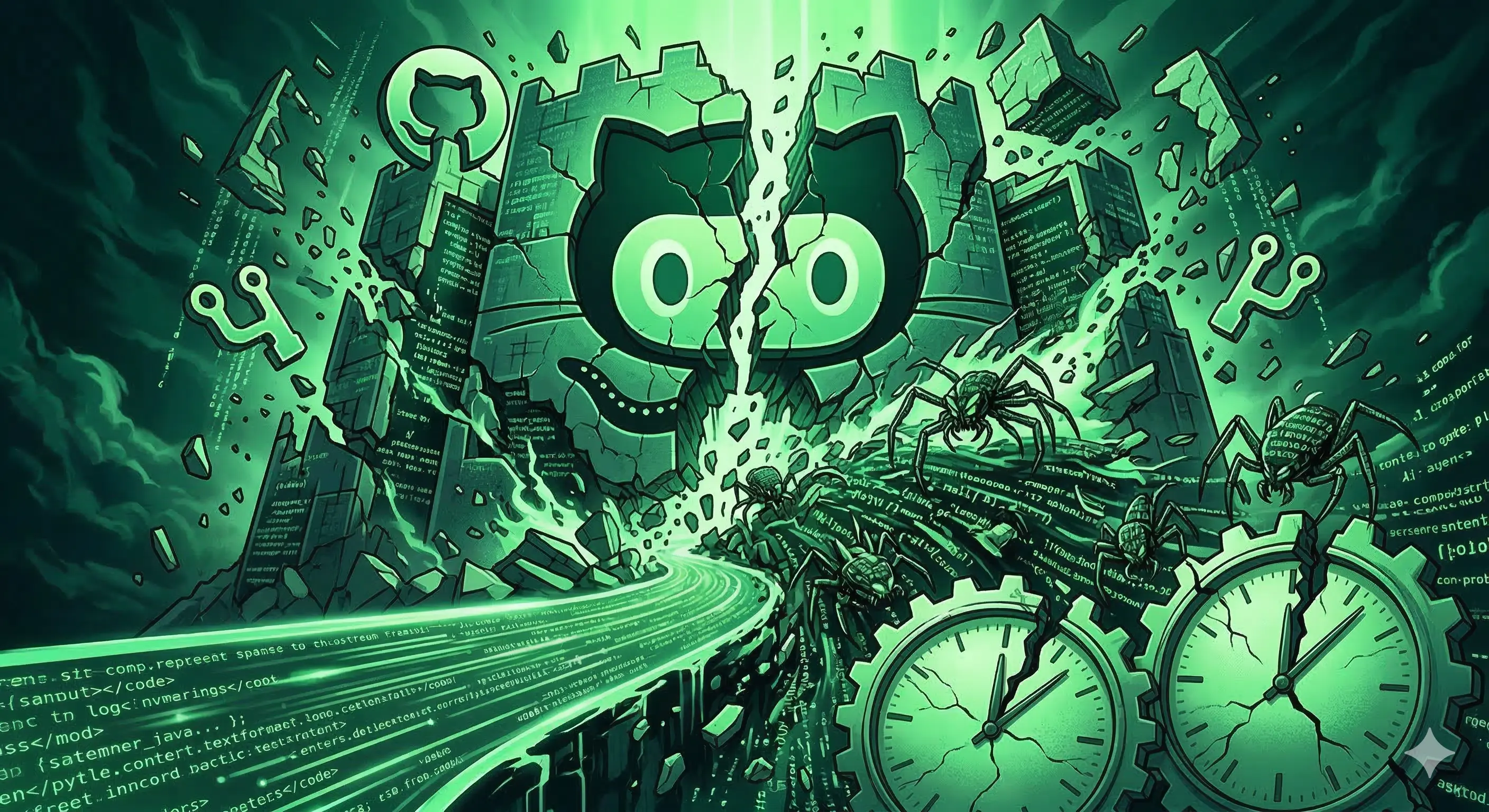
Record-Breaking: OpenClaw reached 100,000 GitHub stars in just two days — making it the fastest open-source project in history to hit that milestone, surpassing iconic projects like Linux and React by a dramatic margin.
The explosive momentum caught the attention of the entire tech industry. OpenAI ultimately acquired the project, recognizing that this was not simply another wrapper around a language model, but a genuinely new paradigm for how humans interact with AI systems.
2. OpenClaw vs. ChatGPT: A Fundamental Difference
To understand why OpenClaw generated such excitement, you need to understand how it is structurally different from the AI tools most people already use.
| Feature | ChatGPT / Standard LLMs | OpenClaw |
|---|---|---|
| Operating Model | Reactive — waits for user input | Proactive — runs continuously in the background |
| Hosting | Cloud-Based — data goes to OpenAI's servers | Self-Hosted — runs on your own machine or VPS |
| Memory | Controlled by the platform's policies | Plain Markdown files on your own storage — fully editable |
| Autonomy | Executes tasks only when prompted | Sets goals, plans, executes, and self-corrects with no input required |
| Type | Language Model (Brain only) | AI Agent (Brain + Nervous System + Limbs) |
| Privacy | Subject to third-party data policies | Complete data sovereignty — your hardware, your files |
The Heartbeat Model: Why It Matters
Standard chatbots like ChatGPT operate on a question-and-answer loop — the AI sits idle until you type something. This is called a reactive system.
OpenClaw operates on what is called a heartbeat model. Much like your heart, it keeps running in the background at regular intervals — whether or not you are there. It can proactively check your inbox, monitor prices, execute scheduled tasks, or send you a daily summary at 8 AM. This is a proactive system.
The distinction is not cosmetic. It changes what AI is actually useful for in daily life. You give OpenClaw a goal, and it plans, executes, troubleshoots, and iterates entirely on its own until that goal is achieved.
LLM vs. AI Agent
ChatGPT is a Large Language Model (LLM) — a brain that thinks, but has no hands. It cannot perform actions outside its sandbox without being explicitly prompted, and it resets between sessions.
OpenClaw is an AI Agent — an LLM with a nervous system and limbs attached. It can open your terminal, write to your files, browse the web, send emails, and interact with external services. Most importantly, it is autonomous: you give it a goal, and it plans, executes, troubleshoots, and retries entirely on its own.
3. How OpenClaw Works: A Three-Layer Architecture
OpenClaw is best understood as a stack of three interconnected layers. Each has a distinct responsibility, and together they form a complete autonomous agent system.
Layer 1 — The Gateway Layer
The Gateway is the entry point — the interface through which users communicate with OpenClaw. Whether you send a message via WhatsApp, Telegram, Discord, or Slack, the gateway receives it. It uses adapters that convert messages from any source into a unified format the rest of the system understands. Think of it as a universal translator sitting between you and the agent.
Layer 2 — Memory, Soul & Skills
Instead of complex databases, OpenClaw stores its identity and memory as simple Markdown files on your local storage. The most critical file is soul.md — the agent's personality and rulebook. You define its behavior here: "be direct and concise," "never use filler words," "if unsure, ask me first."
Long-term memory is stored in time-stamped Markdown files, enabling the agent to search past context and recall information from previous conversations — it never loses the thread the way a standard chatbot does.
The Skills component determines what the agent can do — and it can be extended indefinitely through installable skill packages.
Layer 3 — The Agent Loop (The Cognitive Core)
When a task arrives, the agent loop kicks in. It reads soul.md to recall its identity and rules, retrieves relevant memory, then passes everything to your chosen LLM (Claude, GPT-4, Gemini, etc.) for reasoning. The LLM produces a plan, which is then executed via the available tools and skills. The loop is continuous and self-correcting — if a step fails, the agent diagnoses and retries without human intervention.
Note: OpenClaw itself is not a large language model. It is an agent framework. The LLM (ChatGPT, Claude, Gemini, etc.) is the reasoning engine it uses as a brain. You must supply your own API key to an LLM provider during setup.
4. The Skills System and ClawHub
One of OpenClaw's most powerful features is that its capabilities are not fixed at install time. The agent can be extended by installing Skills — small packages that teach it how to interact with specific applications and services.
Each skill lives in a simple folder containing a skill.md file with plain-language instructions explaining how the agent should use a given tool. This makes skills easy to write, share, and install.
ClawHub: The Skill Marketplace
The OpenClaw community built ClawHub — an in-app marketplace hosting over 13,000 ready-to-use skills. A few popular examples:
- Google (G Suite) Skill — Full access to Gmail, Calendar, and Drive: send emails, organize meetings, and more.
- GitHub Skill — Turns your agent into a coding assistant: review pull requests, resolve issues, manage repositories.
- Summarization Skill — Automatically condenses articles, emails, and documents into actionable summaries.
- Personal Notes Skill — Links the agent's memory to your own files, creating a powerful personal knowledge system.
- WhatsApp / Telegram / Slack — Connect OpenClaw to your preferred messaging app for a natural conversational interface.
⚠ Security Warning: Be careful which skills you install from ClawHub. Since anyone can publish a skill, a maliciously crafted skill file could expose your data or compromise your system. Always inspect a skill's files before installing it — treat it like installing a browser extension.
5. Step-by-Step Setup Guide
Where to Host OpenClaw
OpenClaw is open-source and can be installed on virtually any machine. Because it requires access to sensitive systems (email, files, calendar), security professionals strongly advise against installing it on your primary personal computer.
Two popular alternatives:
- Dedicated Mac Mini (~$600+): powerful and always-on, but a significant upfront investment. Not recommended for beginners testing the waters.
- VPS (Virtual Private Server): a rented cloud server available from ~$6–9/month. You can spin it up, test for a month, and cancel if it doesn't suit your needs. Strongly recommended for first-time users.
When choosing a VPS provider, look for one that offers a One-Click OpenClaw install option. This eliminates the need to run complex terminal commands and gets you running in minutes.
What You Need Before Starting
Gather these three items before beginning the setup:
- Gateway Token — Generated during OpenClaw's initial deployment. This is your authentication key to access the dashboard. Copy it and store it safely.
- LLM API Key — An API key from your preferred provider (OpenAI, Anthropic, Google Gemini, etc.). Visit the provider's developer platform, create a new secret key, and copy it.
- Telegram Bot Token — To chat with OpenClaw via Telegram, create a bot through @BotFather. Send
/newbot, follow the prompts, and copy the API token. Keep it private.
Setup Walkthrough
- Provision Your VPS and Deploy OpenClaw. Choose a plan with at least 2 vCPUs and 4 GB RAM. Select the server location closest to you for the fastest response times. Use the One-Click OpenClaw option to deploy automatically.
- Log In to the OpenClaw Dashboard. After deployment, you will receive a Gateway Token. Visit the OpenClaw URL your host provides, paste the token, and you are in. You are now chatting with your agent for the first time.
- Add Your LLM API Key. In the dashboard settings, paste the API key from your chosen LLM provider. This connects OpenClaw to the reasoning engine that powers all its responses.
- Connect Telegram. Go to Channels > Telegram in the dashboard and paste your Telegram Bot Token. Open your bot in Telegram and send
/start. You will receive your User ID and a pairing code. Run the pairing command in your VPS terminal using the Docker container name and pairing code. Then add your User ID to the allowlist under both the user policy and group policy sections. - Test the Connection. Send "Hi" to your Telegram bot. You should receive a response within seconds. Your agent is now live and ready.
🚨 Critical Security Warning: Never share your email password, API keys, or any secret credentials directly in a chat message — even with your own OpenClaw instance. When granting Gmail access, use an App Password generated from Google Account > Security > App Passwords. This creates a limited, revocable credential that does not expose your main account password.
6. Real-World Use Cases
Automated Daily Email Digest
Ask OpenClaw to access your Gmail inbox and set a recurring task: "Every morning at 8 AM, send me a Telegram message summarizing my unread emails and flag anything that needs an immediate reply." The agent runs this automatically every day without further input from you.
Daily AI News Briefing
Instruct OpenClaw to search for the latest AI developments each morning from specific sources, then push a formatted summary to your Telegram. You can specify preferred websites, topics, and the desired structure of the briefing.
Coding Assistant via GitHub Skill
With the GitHub Skill installed, OpenClaw can access your repositories, review code diffs, identify bugs, suggest fixes, and manage pull requests — working on your codebase asynchronously while you focus elsewhere.
Personal Knowledge Base
Using the Personal Notes skill, OpenClaw links its long-term memory to your own Markdown files or note-taking system. You get a second brain that remembers everything you have ever told it and surfaces relevant context exactly when you need it.
7. Security Considerations Before You Deploy
OpenClaw's power comes with meaningful security implications. Because the agent has access to sensitive systems — email, calendar, files, and potentially financial accounts — a misconfigured or compromised setup can be costly. Follow these best practices:
- Never install on your primary device. Use a dedicated machine (Mac Mini, Raspberry Pi, or VPS) specifically for OpenClaw to isolate potential damage.
- Use App Passwords, not real passwords. For Google and other services, generate purpose-specific App Passwords rather than handing over your main account credentials.
- Vet every skill you install. ClawHub is community-driven. Always inspect a skill's files before adding it — malicious skills can exfiltrate data through seemingly legitimate operations.
- Keep your Gateway Token private. This token is your master key to the OpenClaw instance. Never share it, never include it in screenshots, and never paste it in public channels.
Conclusion
OpenClaw represents a genuine shift in how AI can be used in daily life. Rather than a reactive tool that waits for questions, it is a persistent, autonomous agent that works toward goals you set — managing tasks, processing information, and interacting with the digital world on your behalf.
Getting started requires only three things: a hosting environment (a VPS is recommended for beginners), an LLM API key, and a Telegram bot token. From that foundation, the 13,000+ skills in ClawHub make it possible to expand its capabilities in nearly any direction.
If you approach setup with the right security practices — isolated hosting, App Passwords, and careful skill selection — OpenClaw is one of the most powerful productivity tools available today, entirely on your own terms.
Related Topics: OpenClaw · open source AI agent · self-hosted AI · AI agent vs chatbot · OpenClaw setup · OpenClaw tutorial · OpenClaw skills · ClawHub · OpenClaw Telegram · AI automation · autonomous AI agent · ChatGPT alternative
Discussion 0
No comments yet. Be the first to start the discussion!
Leave a Comment