


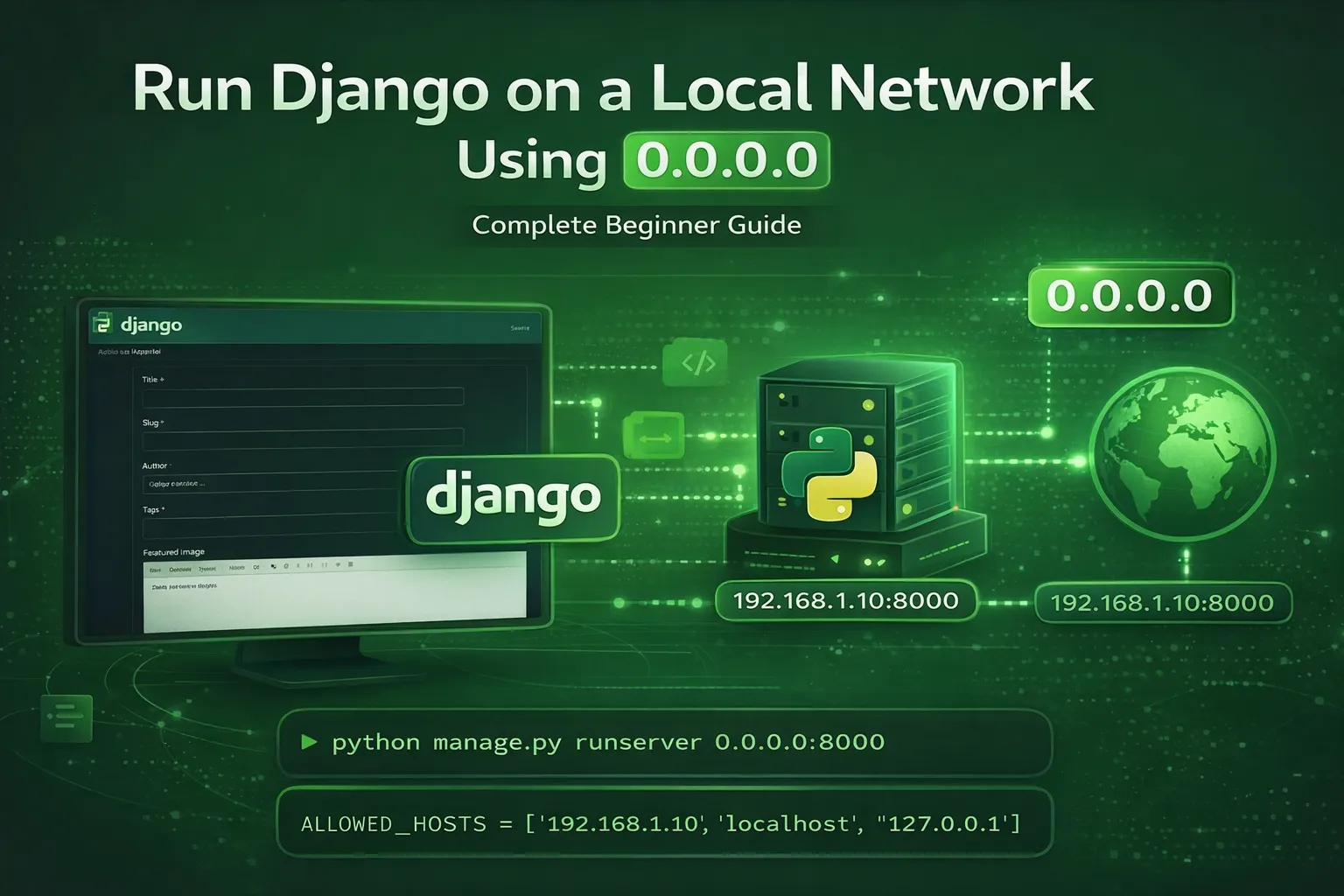
How to Run a Django Project on a Local Network (0.0.0.0 Explained)
Step 1: Activate the Virtual Environment
. core/Scripts/activate
Step 2: Run Django on the Network
python manage.py runserver 0.0.0.0:8000
This allows any device on the same local network to access your Django project
Access from another device:
http://YOUR-IP:8000
Step 3: Configure ALLOWED_HOSTS
Open settings.py and update:
ALLOWED_HOSTS = ['192.168.8.126', 'localhost', '127.0.0.1']
For testing only:
ALLOWED_HOSTS = ['*']
🔐 Security Note
-
0.0.0.0allows access only within the same network -
Do not use
ALLOWED_HOSTS = ['*']in production
Discussion 1
Thank you. i was expecting this tricky but usually sample and really helps
Leave a Comment