

The Silent Disappearance
It began with a single support ticket: "Where did my property go?"
Soon, one missing entry became ten. Ten became a hundred. By midnight, a production real estate database containing over 350 high-value properties had been systematically wiped. There were no "Hacker Ransom" notes, no flashy defacements—just a cold, silent void where a business used to be.
This wasn't a random bot. This was a targeted, surgical strike. This is the story of how we rebuilt the Fortress of Raciat, identified the intruder, and implemented a "Defense in Depth" strategy that now blocks dozens of attacks every hour.
Phase 1: The Forensic Trail
Before you can build a wall, you have to find out how the enemy is getting in. We began by performing a digital autopsy on the server.
1. Following the "Postman" Footprints
We dug into the Nginx Access Logs. While the world slept, the logs were screaming. We found thousands of DELETE requests hitting various API endpoints.
The attacker wasn't using a browser; they were using Postman, a developer tool for API testing. The User-Agent PostmanRuntime/7.51.1 was the smoking gun. Even more chilling was the realization that the attacker knew the exact, internal URL structure of the API—endpoints that were never linked on the frontend.
The Verdict: This was an inside job. A former developer was using their knowledge of the "Side Doors" to bypass the website and talk directly to the database.
2. Identifying the "AllowAny" Vulnerability
In the Django world, developer convenience is a frequent enemy of security. We audited the views.py and found the culprit: permission_classes = [AllowAny].
Several critical endpoints for deleting and editing properties were left "Open to the World." To the original developer, this was for ease of testing. To the attacker, it was an invitation to destroy the business.
Phase 2: Building the "Steel Wall"
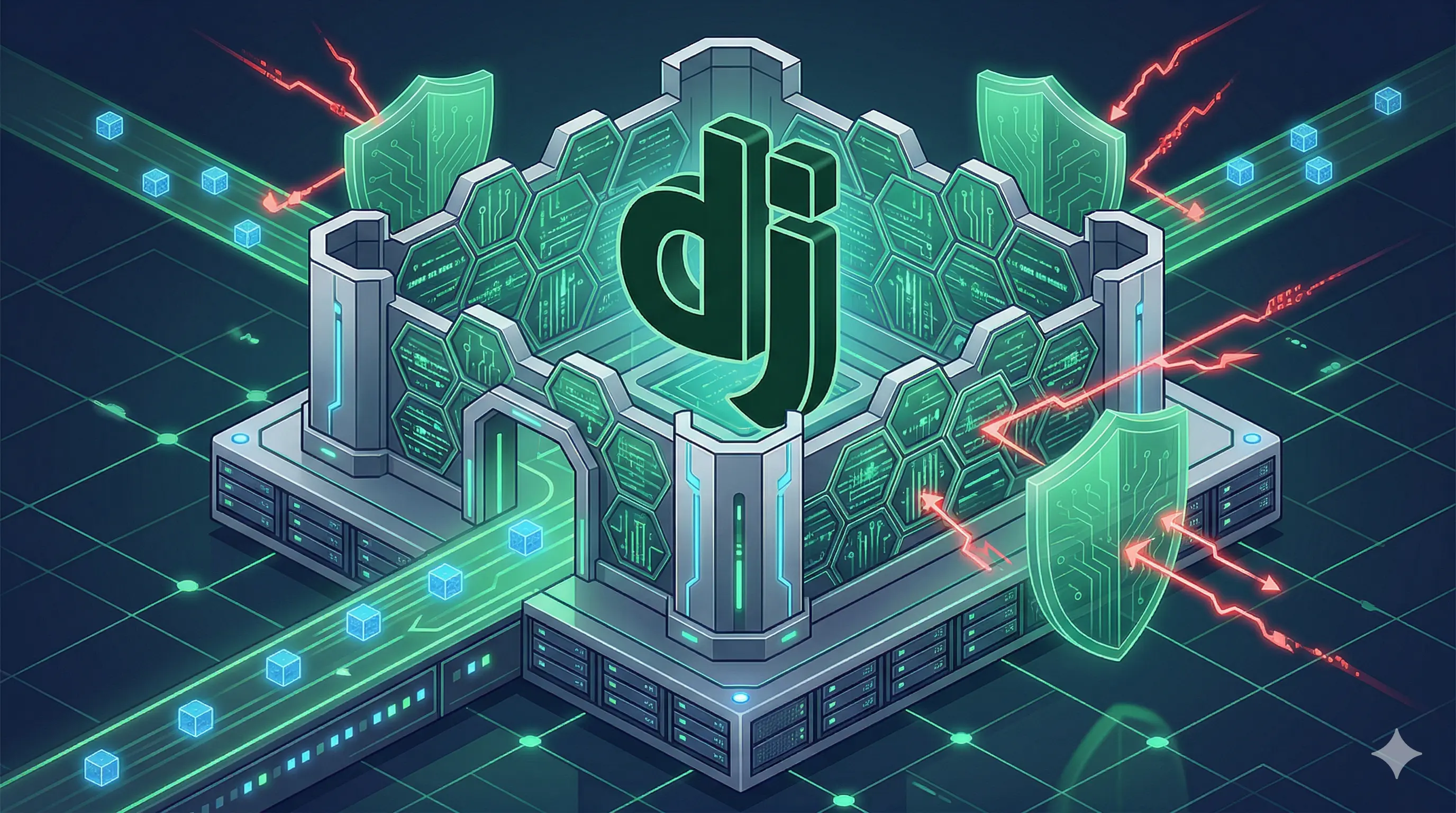
With the enemy identified, we implement Defense in Depth. In cybersecurity, one lock is never enough. We built the fortress in three distinct layers.
Layer 1: The Invisible Moat (Infrastructure Isolation)
The attacker’s primary weapon was direct database access. Even if we locked the API, if they could "Ping" the database port (5432), they could attempt to brute-force the credentials.
We modified the docker-compose.yml to bind the PostgreSQL port exclusively to the server's internal localhost:
services:
  db:
    ports:
      - "127.0.0.1:5432:5432" # The Moat: Invisible to the Public Internet
Instantly, the database vanished from the public internet. The hacker could no longer even "see" the database to attack it.
Layer 2: The Great Wall (Global Authentication)
We stopped playing "Whack-a-Mole" with individual views. Instead of fixing windows one by one, we locked the entire house at the foundation.
We implemented a Master Security Policy in the settings.py:
REST_FRAMEWORK = {
    'DEFAULT_PERMISSION_CLASSES': [
        'rest_framework.permissions.IsAuthenticatedOrReadOnly',
    ],
}
This single line of code changed the fundamental physics of the website. By default, every single URL was now "Read Only" for the public. You can see the property, but you can never touch, edit, or delete it unless you have a verified Admin token.
Layer 3: The Elite Bodyguards (Surgical Middleware)
Knowing the attacker was persistent, we wanted an "Active Defense" that ran before Django even looked at the view permissions. We built the Surgical Security Middleware.
This custom Python class acts as a high-level bouncer. It intercepts every single incoming request and asks: "Are you trying to Delete, Put, or Patch? And are you a stranger?" If the answer is yes, it returns a 403 Forbidden instantly, logging the attempt and shielding the application logic.
class SurgicalSecurityMiddleware:
    def __call__(self, request):
        if request.method in ['DELETE', 'PUT', 'PATCH'] and not request.user.is_authenticated:
            return HttpResponseForbidden("SECURITY ALERT: This server is now hardened.")
        return self.get_response(request)
Phase 3: The Deep Clean (Removing Sleeper Scripts)
A fortress is only as strong as its foundation. During our perimeter sweep, we found a hidden threat: WordPress Artifacts.
The media folder contained multiple .php files left over from a legacy migration. In the hands of a skilled hacker, these are "Web Shells"—backdoors that allow them to execute code on your server.
We took a two-step approach to eliminate this risk:
- The Purge: We systematically deleted every
.phpfile in the static and media directories. - The Nginx Ban: We added a permanent rule to the Nginx configuration that forbids any file ending in
.phpfrom being served. Even if a hacker manages to upload a virus, the server will refuse to run it.
Phase 4: The Verifiable Victory
The true test of a security system is not how it feels, but what the data says.
After 48 hours of heavy monitoring via our Security Dashboard, the results were undeniable:
- Blocked Attacks: 20
DELETEattempts and 5 hijackingPUTattempts were stopped in their tracks. - Resource Safety: 278 automated bot probes were deflected with
404errors. - Data Integrity: Not a single property has been lost. In fact, the project count has grown to 380 properties, proving that the business is thriving in its secure environment.
The 5 Lessons for Every Modern Developer
This crisis taught us that security is not a "Feature"—it is a mindset. Here are the 5 takeaways for anyone building production web apps today:
- Assume the Insider is the Enemy: Trust your developers, but never trust your code to "Stay Private." Hard-code your permissions as if the enemy already knows your URL structure.
- Infrastructure is your First Line: If a service (like Postgres or Redis) doesn't need to be public, bind it to 127.0.0.1 immediately.
- Global > Specific: Use global settings (like DRF's default permissions) first, and then make exceptions for public pages. Never do it the other way around.
- Audit your Artifacts: When migrating from platforms like WordPress, clean your folders. Residual scripts are the easiest backdoors.
- Build a Dashboard: Don't guess if you are safe. Create simple commands to "Look" at your logs every day. Awareness is half the battle.
Conclusion
Raciat is no longer just a real estate platform; it is a Digital Fortress. By moving from a reactive "Fix the Bug" approach to a proactive "Defense in Depth" strategy, we didn't just stop a hacker—we future-proofed a business.
The attack failed. The data is safe. The "Steel Wall" holds. 🥂🚀🛡️✨👑
Discussion 0
No comments yet. Be the first to start the discussion!
Leave a Comment