


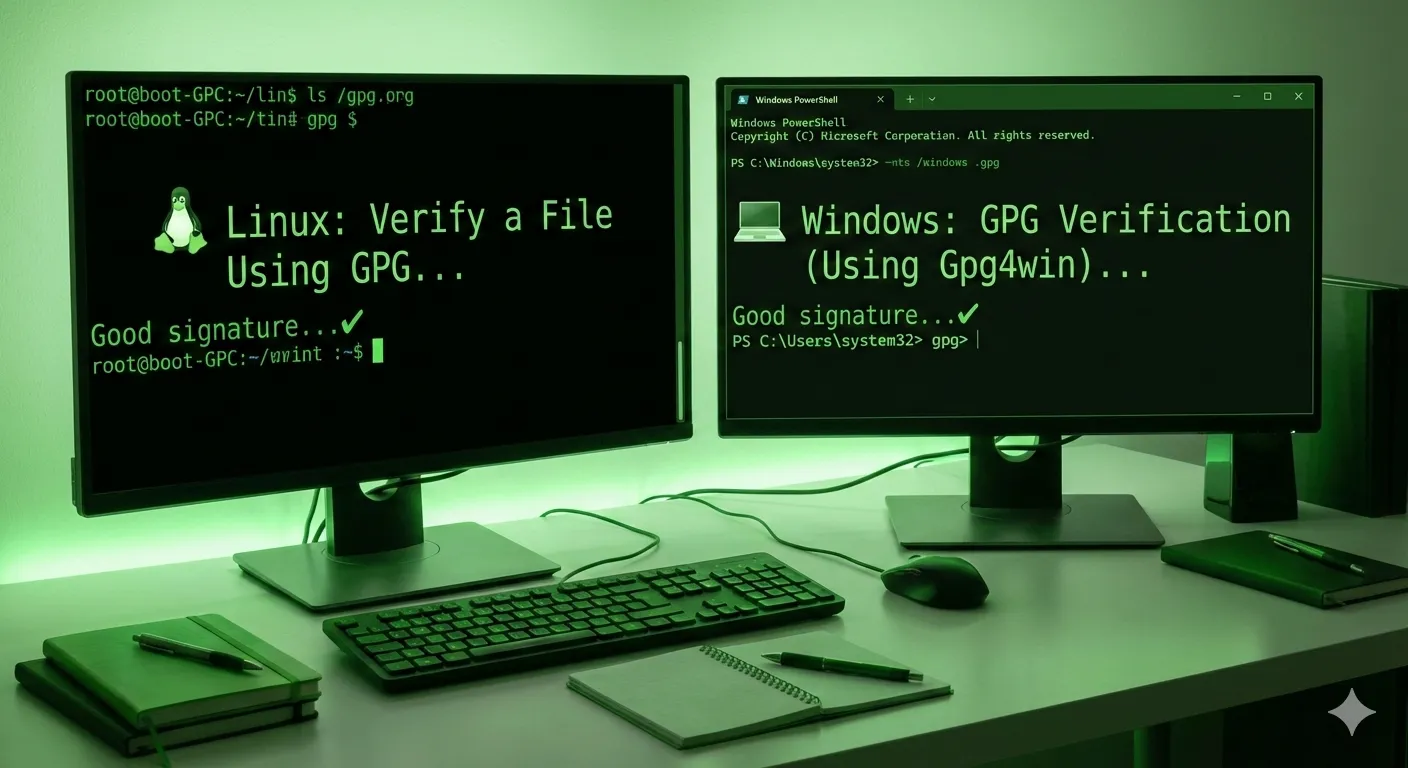
🐧 Linux: Verify a File Using GPG
Step 1: Install GPG (if not installed)
sudo apt install gnupg
You should download from the official website:
-
The software file:
software.tar.gz -
The signature file:
software.tar.gz.sig -
The developer’s public key:
developer_public_key.asc
Step 3: Import the developer’s public key
gpg --import developer_public_key.asc
Step 4: Verify the digital signature
gpg --verify software.tar.gz.sig software.tar.gz
Output Example
Good signature from "Developer Name <dev@email.com>"
This confirms the file is authentic and trusted.✔
💻 Windows: GPG Verification (Using Gpg4win)
Step 1: Install Gpg4win
(It includes Kleopatra and command-line tools)
Step 2: Import the public key
Double-click the .asc key file or import via Kleopatra.
Step 3: Verify via Command Line
via PowerShell
gpg --verify software.exe.sig software.exe
 Good signature = safe to use ✔
 BAD signature = STOP IMMEDIATELY ❌
💡 Tip for Both Linux & Windows:
Always verify the developer’s public key fingerprint to ensure the key itself is authentic:
gpg --fingerprint
💡 Pro Tips for Safe GPG Verification
-
Verify the public key source – always use official developer sites or trusted keyservers.
-
Check the fingerprint – manually confirm the key fingerprint to avoid MITM attacks.
-
Combine signatures & hashes – signatures confirm identity, SHA‑256 ensures file integrity.
-
Never run files before verification – only execute after successful verification.
-
Keep a verification log – track results for auditing or future reference.
Discussion 0
No comments yet. Be the first to start the discussion!
Leave a Comment