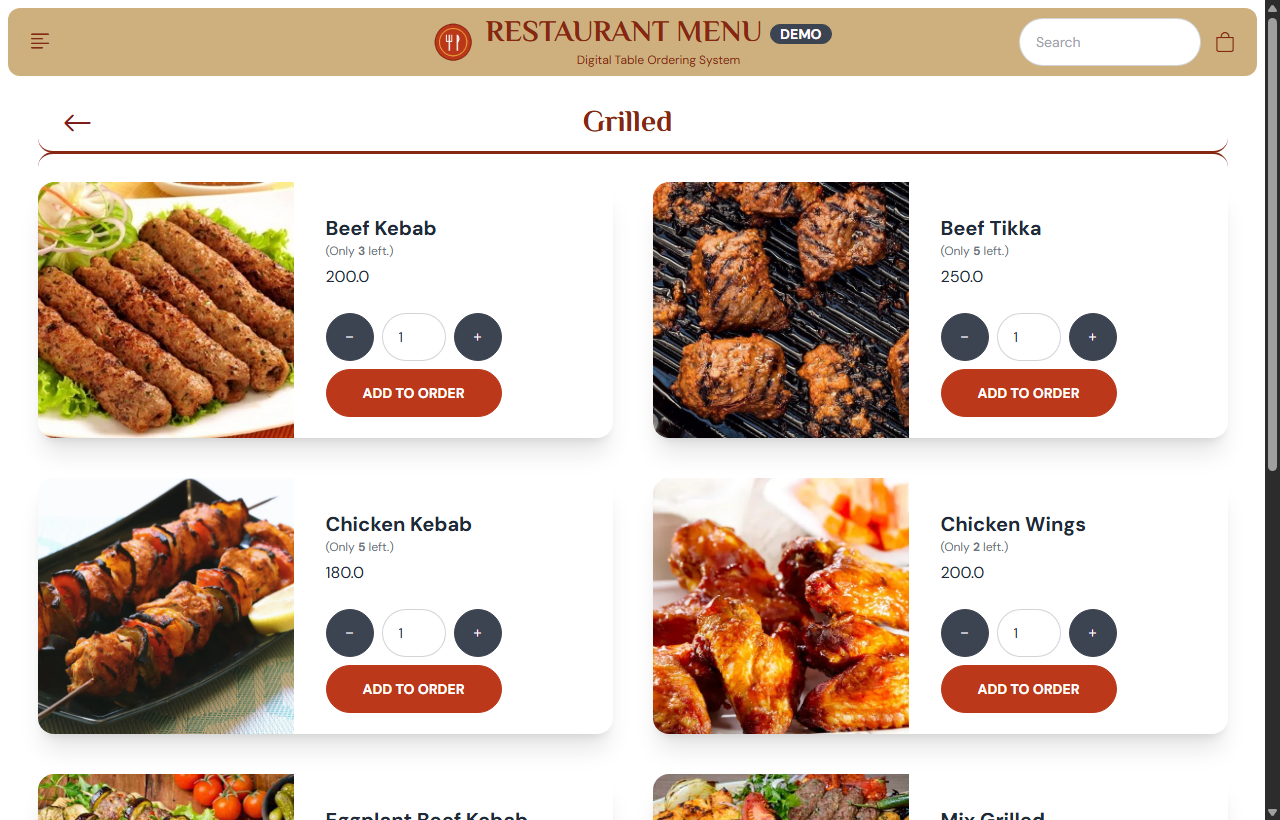
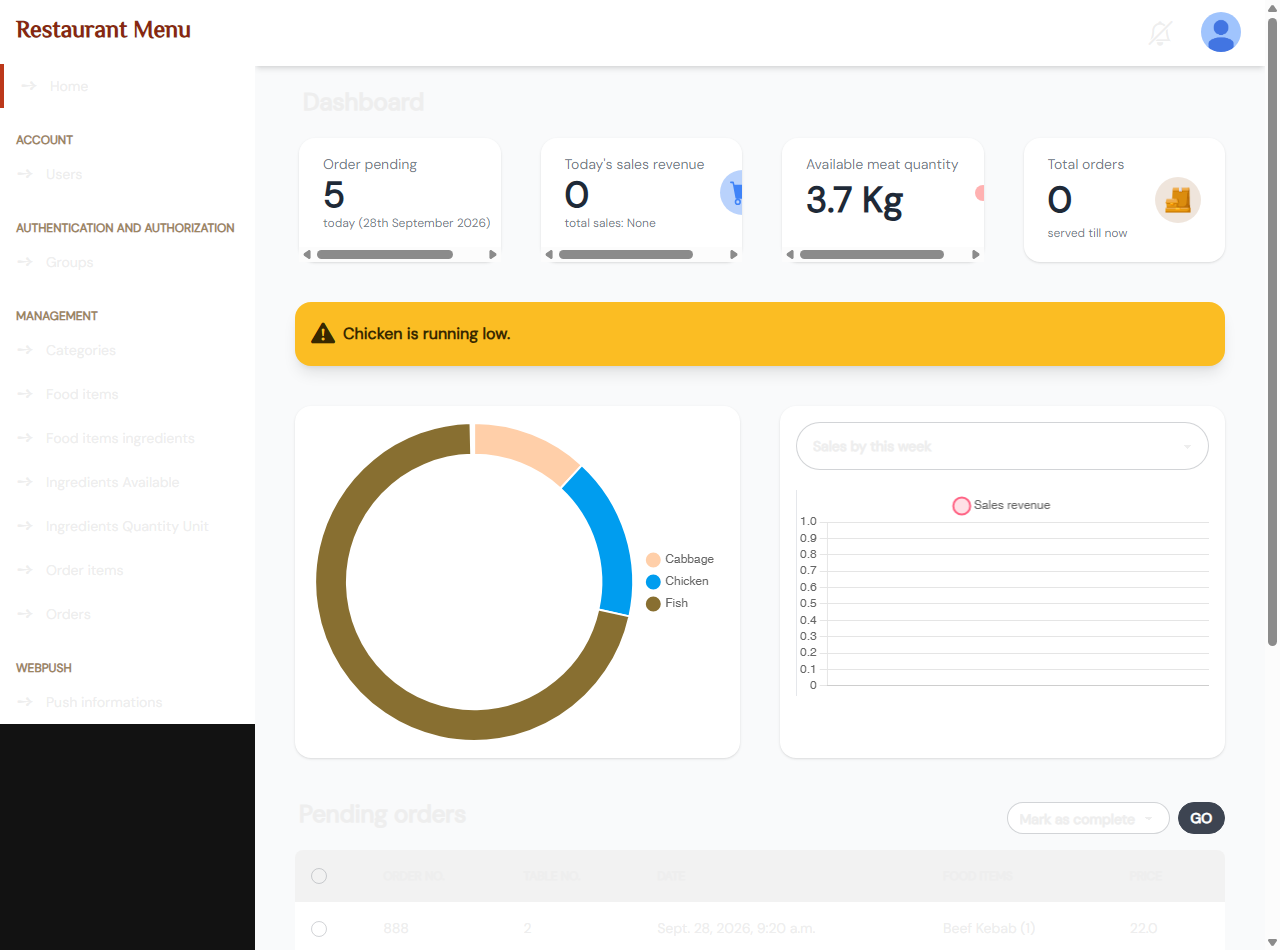
Restaurant Menu is a modern, production-ready open-source restaurant solution designed for restaurants, cafes, food trucks, and hospitality developers. It provides customers with a fluid digital table menu to place orders directly from their phones or tablets, while the kitchen and management staff monitor incoming orders in real-time through a live WebSocket-powered operations dashboard.
✨ Key Features
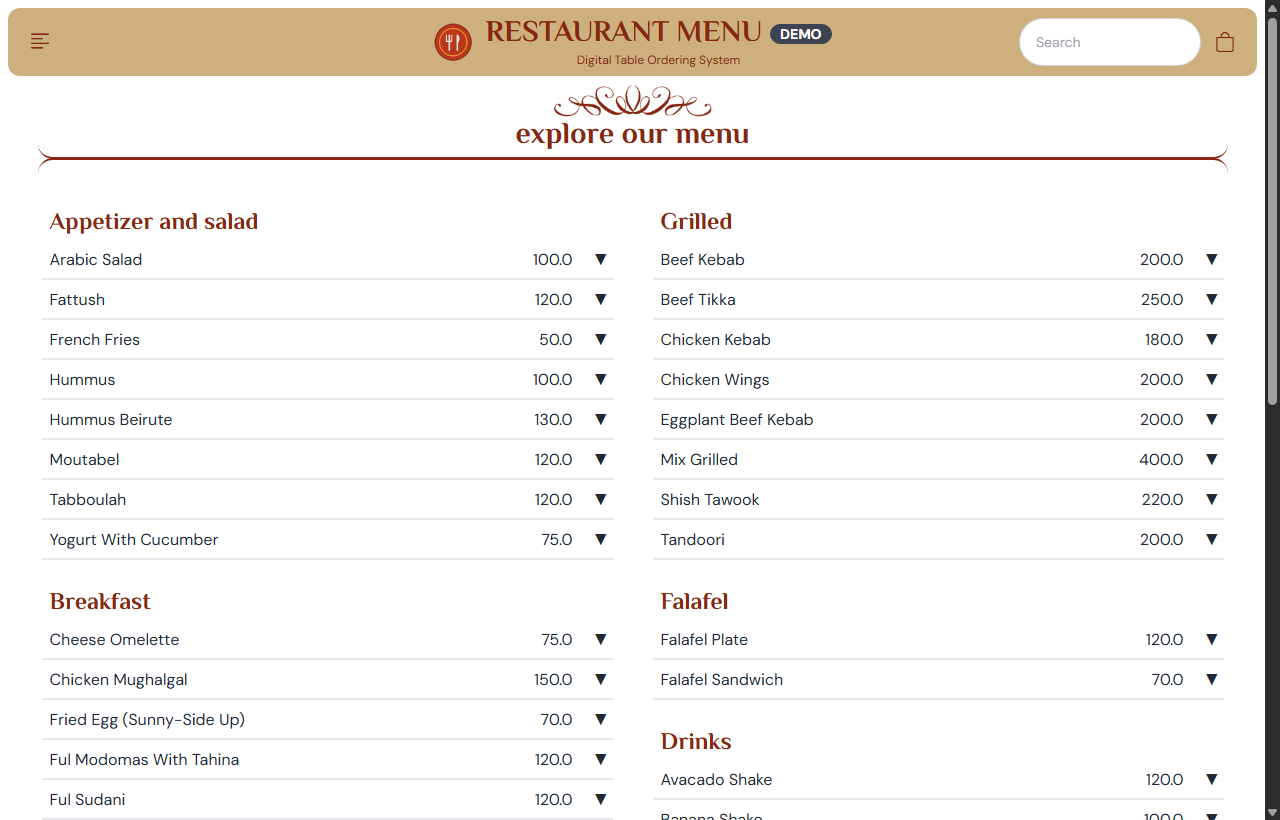
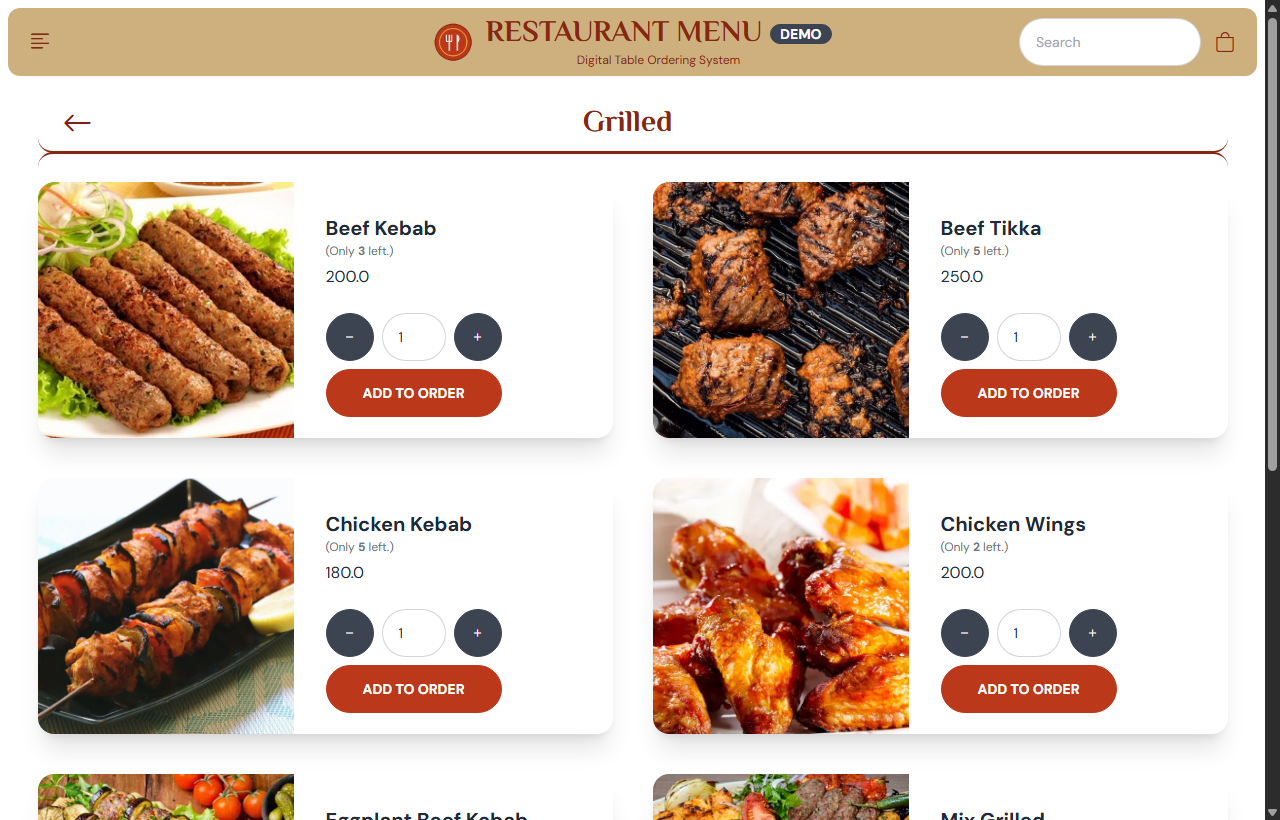
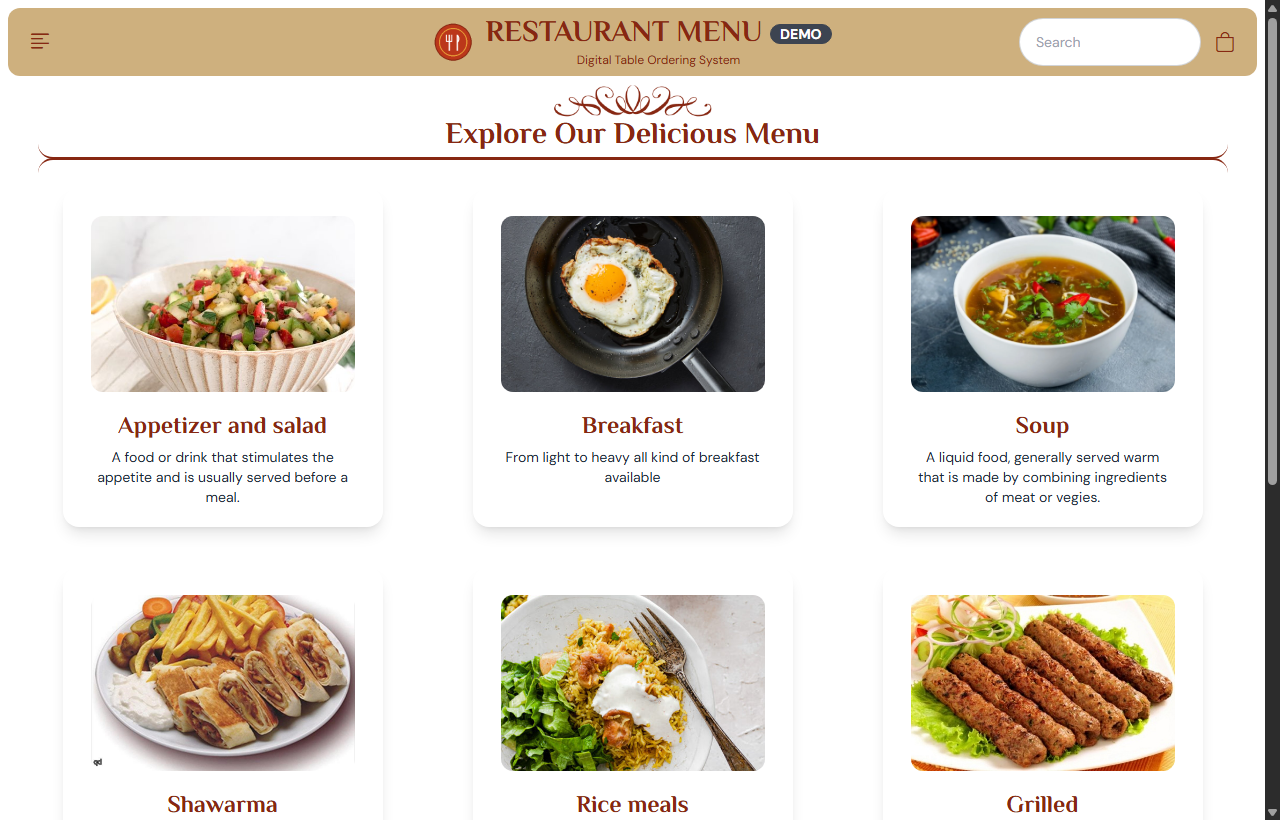
- 📱 Interactive Digital Menu: Category browsing, dish photo showcase, real-time portion stock counters, and fast-scan compact menu mode.
- 🛒 Client-Side Cart & Table Ordering: Browser-persisted cart (
localStorage) with quantity controls and instant table selection (Tables 1–10). - 🔍 Real-Time Order Tracking: Customer order status lookup page (
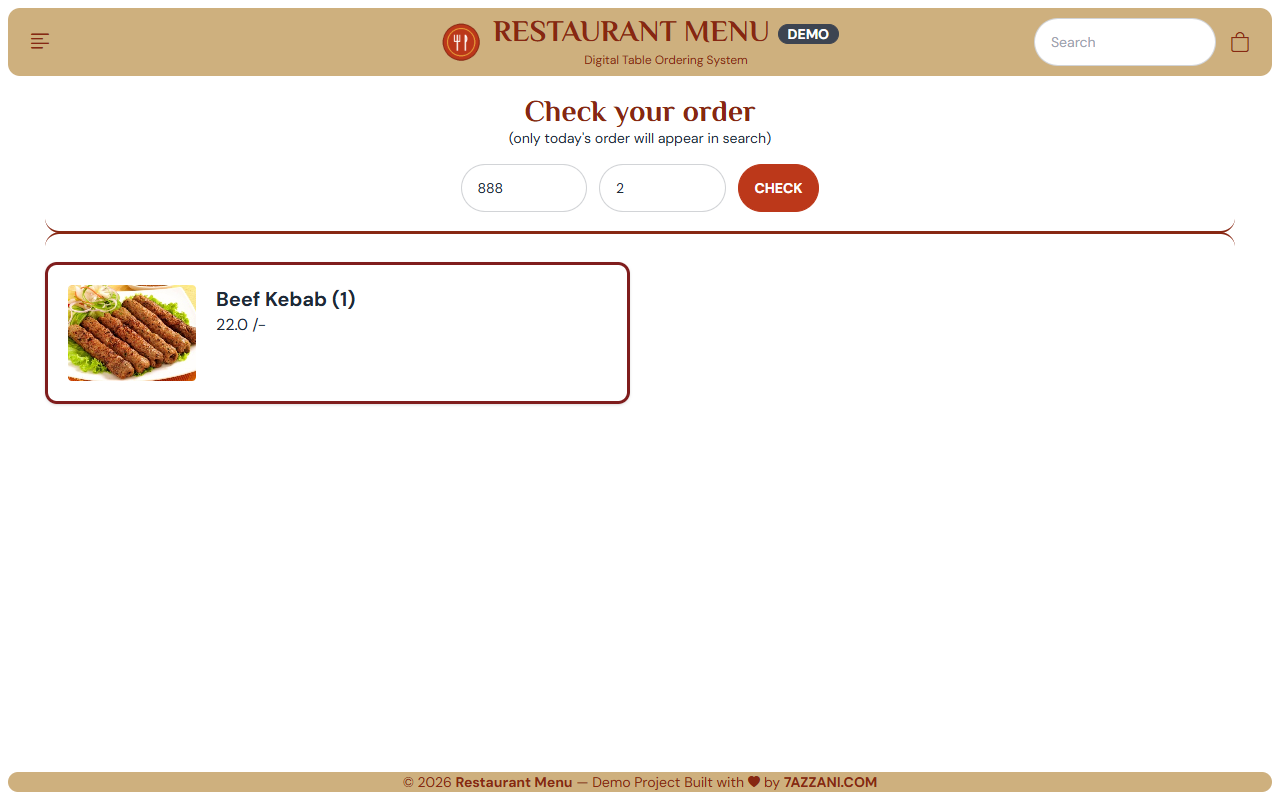
/check-order/) to track active and served orders. - ⚡ Live WebSocket Kitchen Dashboard: Real-time incoming order feed without manual browser refreshes powered by Django Channels.
- 📦 Recipe-Based Automated Stock Depletion: Deducts raw recipe ingredients (grams of meat, milliliters of sauce) automatically from inventory warehouse stock upon order placement.
- ⚠️ Low Inventory Warnings: Automated dashboard banners when any ingredient drops below threshold levels.
- 📊 Chart.js Analytics: Live visual breakdown of raw ingredient inventory distribution and sales revenue filtered by week, month, or year.
- 🎨 DaisyUI & Tailwind CSS: High-performance modern UI with custom Django Admin theme.
🛠️ Technology Stack
- Backend: Python 3.10+, Django 4.1+, ASGI
- Real-Time: Django Channels & WebSockets (In-Memory fallback or Redis)
- Database: SQLite (Zero-config out of the box) or PostgreSQL
- Frontend: Tailwind CSS, DaisyUI, Chart.js, Vanilla JavaScript
🚀 Quick Start Guide
# 1. Clone repository
git clone https://github.com/7AZZANI/restaurant-management-system.git
cd restaurant-management-system

# 2. Setup virtual environment
python -m venv env
.\env\Scripts\activate   # On Windows
source env/bin/activate  # On macOS/Linux

# 3. Install dependencies
pip install -r requirements.txt

# 4. Migrate database and seed 55 sample dishes
python manage.py migrate
python load_data.py

# 5. Start development server
python manage.py runserver
Default Admin Credentials: admin@rms.com / admin123
📜 License & Attribution
This project is 100% free and open source under the MIT License. You are completely free to use it for personal projects, commercial client deployments, or SaaS foundations. Please retain the author attribution Built with ❤️ by 7AZZANI.COM.